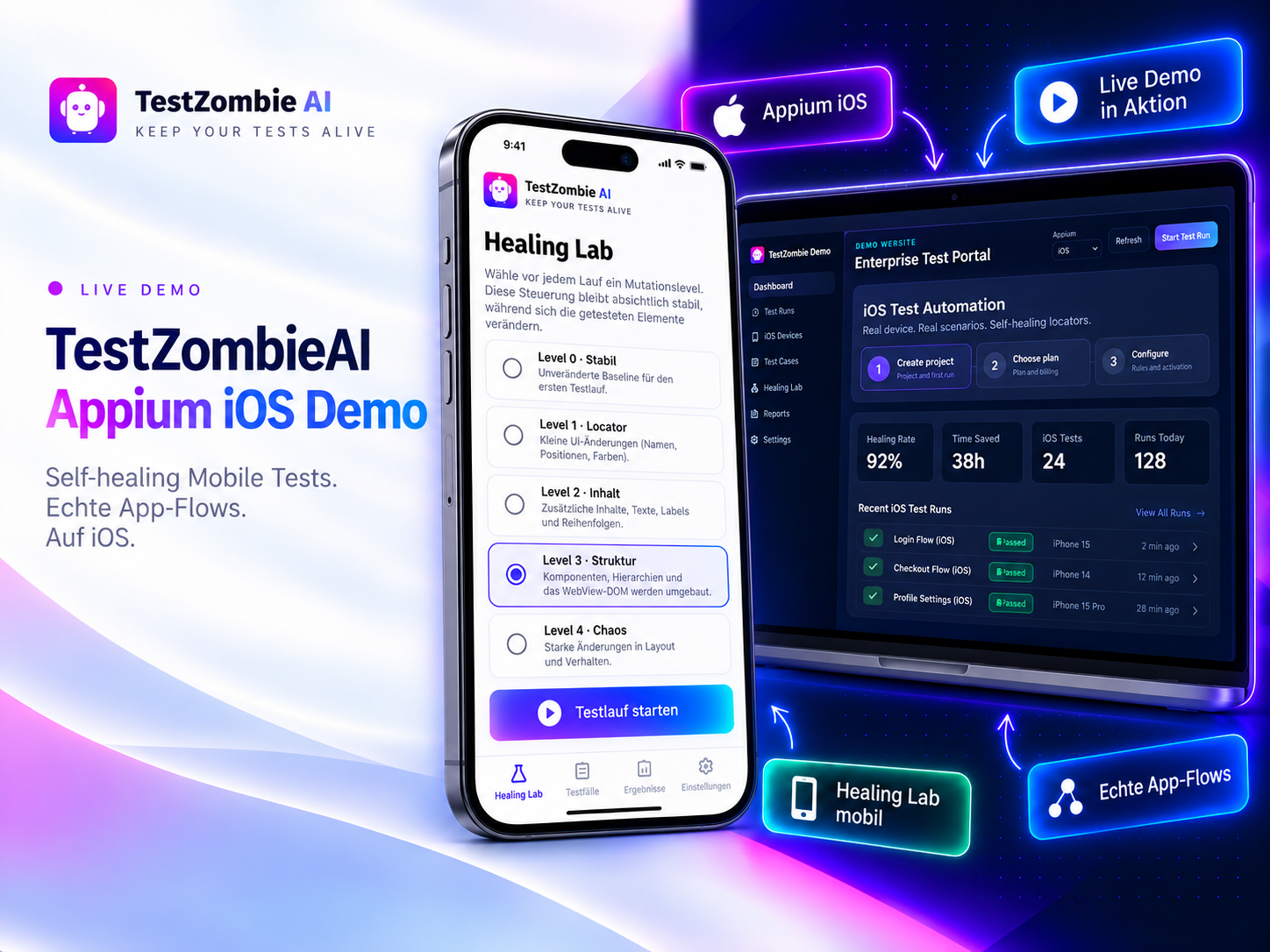
MP4 · HTTP StreamingAppium iOS Demo
What you will see in this demo
1
Changed iOS UI
Labels, accessibility IDs or the element hierarchy no longer match after a release.
2
Intelligent candidates
Multiple characteristics are combined to rediscover the originally intended element.
3
Make the fix permanent
Successful healings can optionally be written back to the iOS Appium test as traceable code updates.
Self-Healing
The healing flow
Add healing, analysis and actionable fix recommendations to existing Selenium, Playwright and Appium tests.
Learn more about Appium Self-Healing1
Locator failsThe test can no longer find the expected UI element with its existing locator.
↓
2
TestZombie analyzes candidatesDOM or mobile element data and context are evaluated for robust alternatives.
↓
3
The test continuesWhen confidence is sufficient, the replacement is used and the result is recorded.
↓
4
The fix becomes reusableHealing history and fix recommendations help stabilize the suite permanently.
Your tests should survive change.
Add healing, analysis and actionable fix recommendations to existing Selenium, Playwright and Appium tests.